NT$ 1,650
Home » Music Software » Effects Plugin » MeldaProduction MAutoAlign 自動相位對齊 Plugin (下載版)
Not sure what to pick? Read the buying guide:
DAW 編曲軟體怎麼選?主流音樂製作軟體比較
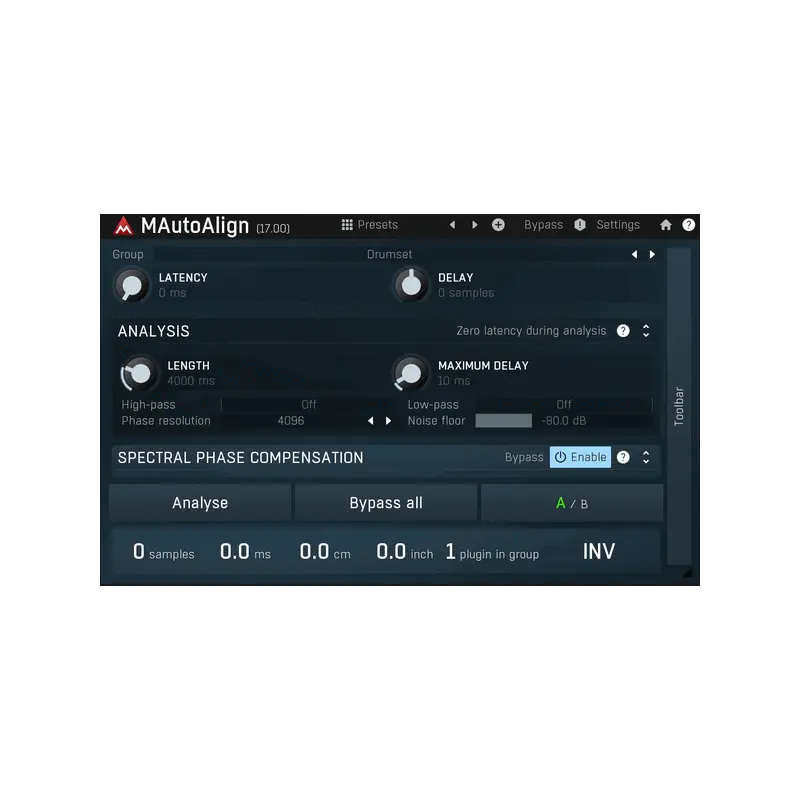




多支麥克風的相位問題,按一下就解決
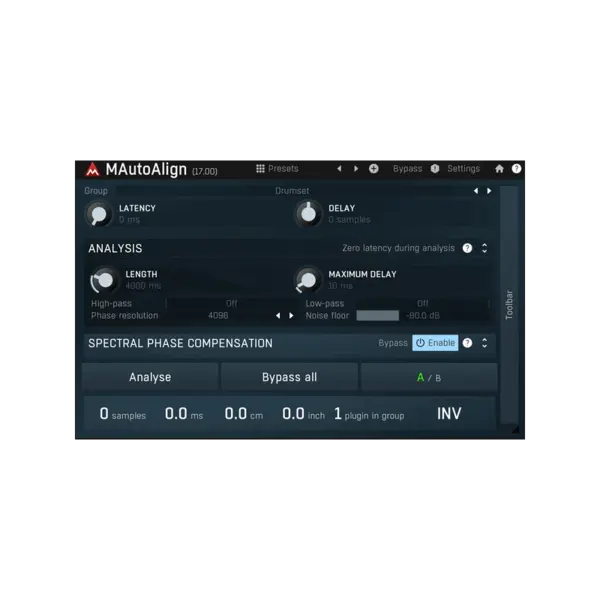
只要用一支以上的麥克風錄同一個聲源,就會有相位抵消。有人放著讓聲音發悶,有人一軌軌手動找延遲,MAutoAlign 則是自動找出理想的延遲時間與極性反轉:在每一軌各掛一個實例、按一個按鈕即可,不需要任何複雜的路由或側鏈,實例之間會自動找到彼此。
預設只對各軌做延遲與極性反轉,不做任何濾波,音質完全透明,換來更集中的起音與更少的相位問題。自 11.02 版起還加入頻譜相位補償:分析時除了延遲與極性,也會估算每個頻率的理想相位旋轉,能補償樂器立體結構、麥克風與前級處理造成的相位差——之後再對各軌做 EQ,也不必擔心相位抵消。
⚠ 退換貨注意
****購買前請詳閱****
此商品為序號下載版,非盒裝版本!
下單之後 1-2 天會將序號以 Email 寄出。
本商品為 MeldaProduction 官方序號:請先在 meldaproduction.com 註冊免費帳號,於 meldaproduction.com/user/redeem 兌換序號,再用 MPluginManager(MeldaProduction 安裝程式)下載安裝。啟用方式是把授權檔拖進 Plugin,不需網路、不需 iLok 或硬體鎖;授權歸個人(to-person),可啟用在你本人擁有的任意台電腦上,並享終身免費更新(原廠授權說明)。
原廠提供 15 天完整功能試用版,建議先下載試用、確認符合需求再購買。
軟體序號一經使用,恕無法退貨退款,購買前請三思。
若有任何問題可來信 [email protected]
主要特色
- 自動延遲與極性校正 - 一鍵分析,多軌同時對齊。
- 完全透明 - 預設只延遲與反相,不做濾波。
- 頻譜相位補償 - 針對每個頻率修正相位,處理單純延遲無法解決的問題。
- 實例自動連結 - 不需側鏈或匯流排設定。
- Multiparameter - 用單一旋鈕同時控制一群參數,方便自動化與現場操作。
- 多聲道處理 - 支援 Mid/Side、單聲道、獨立左右聲道、最多 8 聲道環繞,以及最高 7 階 Ambisonics(64 聲道)。
- 可縮放、可換外觀的介面 - GPU 加速繪圖,視窗可自由縮放、支援 HiDPI/Retina,外觀風格與配色可自訂。
系統需求與支援版本
- Logic Pro:原廠目前強烈建議以 Rosetta 模式執行 Logic,原生模式下 Melda Plugin 無法正常運作;另建議不要用 .aupreset 儲存 Plugin 設定
- Plugin 格式:Windows VST / VST3 / AAX(64 位元);macOS VST / VST3 / AU / AAX(64 位元)
- Windows:Windows 10 / 11(64 位元),支援 SSE2 的 Intel / AMD 處理器
- macOS:macOS 10.14 Mojave 以上(64 位元),Intel 與 Apple Silicon 皆支援
- Linux:原廠不直接支援(官網說明可透過 Wine 執行,不在保證範圍)
- 本 Plugin 非獨立軟體,需搭配 DAW(宿主軟體)使用
- 授權方式:序號於 meldaproduction.com/user/redeem 兌換(需免費帳號),MPluginManager 下載;授權檔啟用,不需網路、不需 iLok;授權歸個人,可啟用在本人擁有的任意台電腦,終身免費更新
商品規格
- 授權類型
- 序號下載版
- 產品類型
- 多軌自動相位/時間對齊 Plugin
- 對齊方式
- 自動計算各軌延遲與極性反轉
- 頻譜相位補償
- 可針對每個頻率修正相位旋轉(11.02 版起)
- 多軌連動
- 每軌各掛一個實例即自動互相找到,不需路由或側鏈
- Plugin 格式
- Windows VST / VST3 / AAX(64 位元);macOS VST / VST3 / AU / AAX(64 位元)
- Windows 需求
- Windows 10 / 11(64 位元),支援 SSE2 的 Intel / AMD 處理器
- macOS 需求
- macOS 10.14 Mojave 以上(64 位元),Intel 與 Apple Silicon
- 授權方式
- 序號於 meldaproduction.com/user/redeem 兌換(需免費帳號),MPluginManager 下載;授權檔啟用,不需網路、不需 iLok;授權歸個人,可啟用在本人擁有的任意台電腦,終身免費更新
- Logic Pro 相容性
- 原廠強烈建議以 Rosetta 模式執行 Logic(原生模式無法正常運作)

Reviews:
Purchase FAQ
Q1. How is shipping calculated? Is there free shipping?
Orders over NT$3,000 qualify for free shipping. Orders under NT$3,000 incur a NT$120 shipping fee. In-store pickup is always free.
Q2. What payment methods are available?
We accept: credit card (single payment, or 3/6-month installments), bank transfer, convenience store payment code, cash on delivery, in-store payment, and AFTEE deferred payment. Installments are currently available only for credit cards issued by CTBC Bank, E.SUN Bank, and Taishin Bank. Cash on delivery is not available for software products or orders over NT$10,000.
E-invoices are issued for all purchases and sent automatically to your registered email. Once a personal (duplicate) invoice is issued, it cannot be changed or reissued as a company (triplicate) invoice.
Q3. How does in-store pickup work?
Select "In-store pickup" (free) at checkout. We will notify you by email once your items are ready. Please bring your order information to the store.
Store address: 2F., No. 2-1, Aly. 2, Ln. 244, Sec. 3, Roosevelt Rd., Zhongzheng Dist., Taipei City. Opening hours: Monday to Saturday 11:00 – 18:30 (closed on Sundays).
Q4. What is the inspection period?
According to the Consumer Protection Act, online purchases come with a 7-day inspection period starting from the delivery date. Please note that the "inspection period is not a trial period." The purpose is for you to inspect and review the product, not to use it. If you are unsatisfied after inspection, please do not open or use the product and follow the return procedures immediately. Returned products must be in complete packaging with all accessories, gifts, and original packaging intact. Any missing, damaged, or incomplete items may affect your return rights and restoration costs may be deducted.
Q5. How do I process a return or exchange?
If you wish to return a product, please ensure it is in complete, new condition with the original packaging undamaged. This includes the product itself, accessories, warranty card, original packaging, and all accompanying documents. If the product is damaged due to reasons attributable to you, we may not be able to process the return, or repair costs may be deducted from the refund. However, products with manufacturing defects are exempt and qualify for unconditional return or exchange.
Please contact us by phone or email within the inspection period, providing the reason for the return/exchange, current product condition, phone number, and pickup address. We will arrange the return within 3-5 business days.
Q6. How will I receive my refund, and how long does it take?
Refund methods and timelines vary by payment method:
Credit Card: After we receive the returned product, the refund will be credited to your credit card account within approximately 5-7 business days. Depending on your billing cycle, the refund may appear on your current or next statement. Please confirm with your credit card issuing bank.
Bank Transfer: Please contact service [at] digilog.tw with your complete bank details (bank name, branch name, bank code, account holder name, account number). We will arrange courier pickup of the returned product and transfer the refund to your designated account within 5-7 business days.
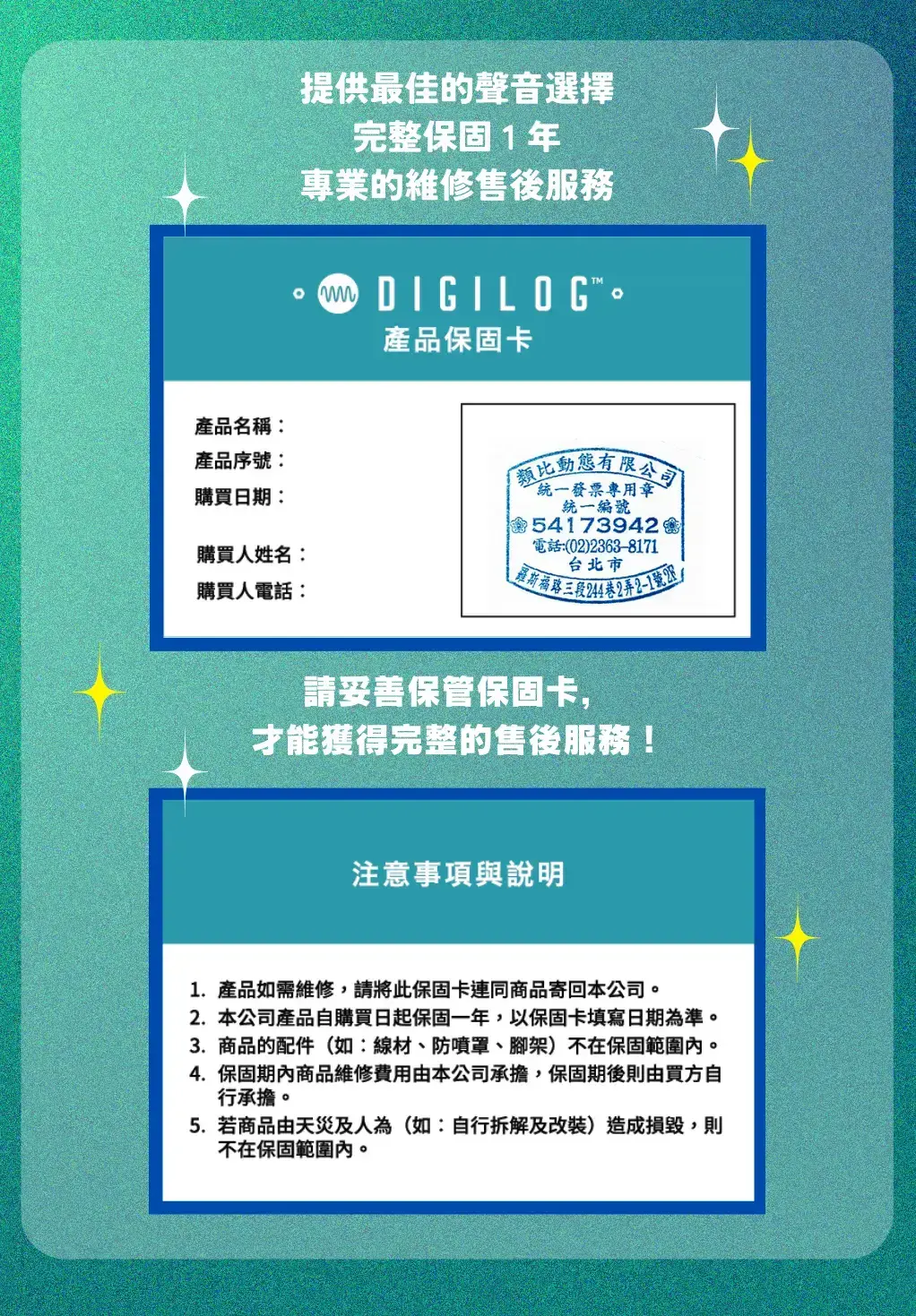
Q7. Is there a warranty on products?
Products come with a 1-year warranty. For repairs during the warranty period, please contact service [at] digilog.tw or call +886-2-23638171.
Q8. Do I need to pay for shipping when sending products for repair?
Round-trip shipping costs for product repairs are the customer's responsibility.
MeldaProduction Others:
NEW
NEW
NEW
NEW
NEW
NEW
You may be interested in:

-47%

目前尚無評論