NT$ 690
Home » Music Software » Effect Plugins » Guitar / Bass Amp » BBE Sound Stomp Board 吉他踏板+音箱模擬效果器 Plugin (下載版)



Read before you buy
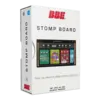
BBE Sound Stomp Board 吉他踏板+音箱模擬效果器 Plugin(下載版)
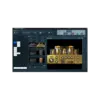
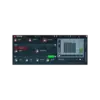
Stomp Board 是 BBE Sound 的虛擬踏板盤:一個可以當 Plugin 也可以獨立執行的主程式,裡面能載入 8 顆 BBE 效果踏板,用拖曳的方式任意排列順序,後面接內建的音箱模擬。8 顆建模的效果踏板來自 BBE 原本的 Stomp Ware 系列,外觀與腳踏開關都照著實體踏板做。
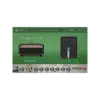
主程式本身就有一條完整的訊號鏈:Gate → 踏板鏈 → 4 種音箱/箱體模擬 → Tone → Spring Reverb,接上吉他或貝斯就能直接彈。想用自己的音箱模擬也可以,把主程式上方的區段留在預設值就等於旁通。8 顆踏板除了在 Stomp Board 裡用,也各自安裝成獨立的 Plugin,可以單獨插在 DAW 的音軌上。
⚠ 退換貨注意
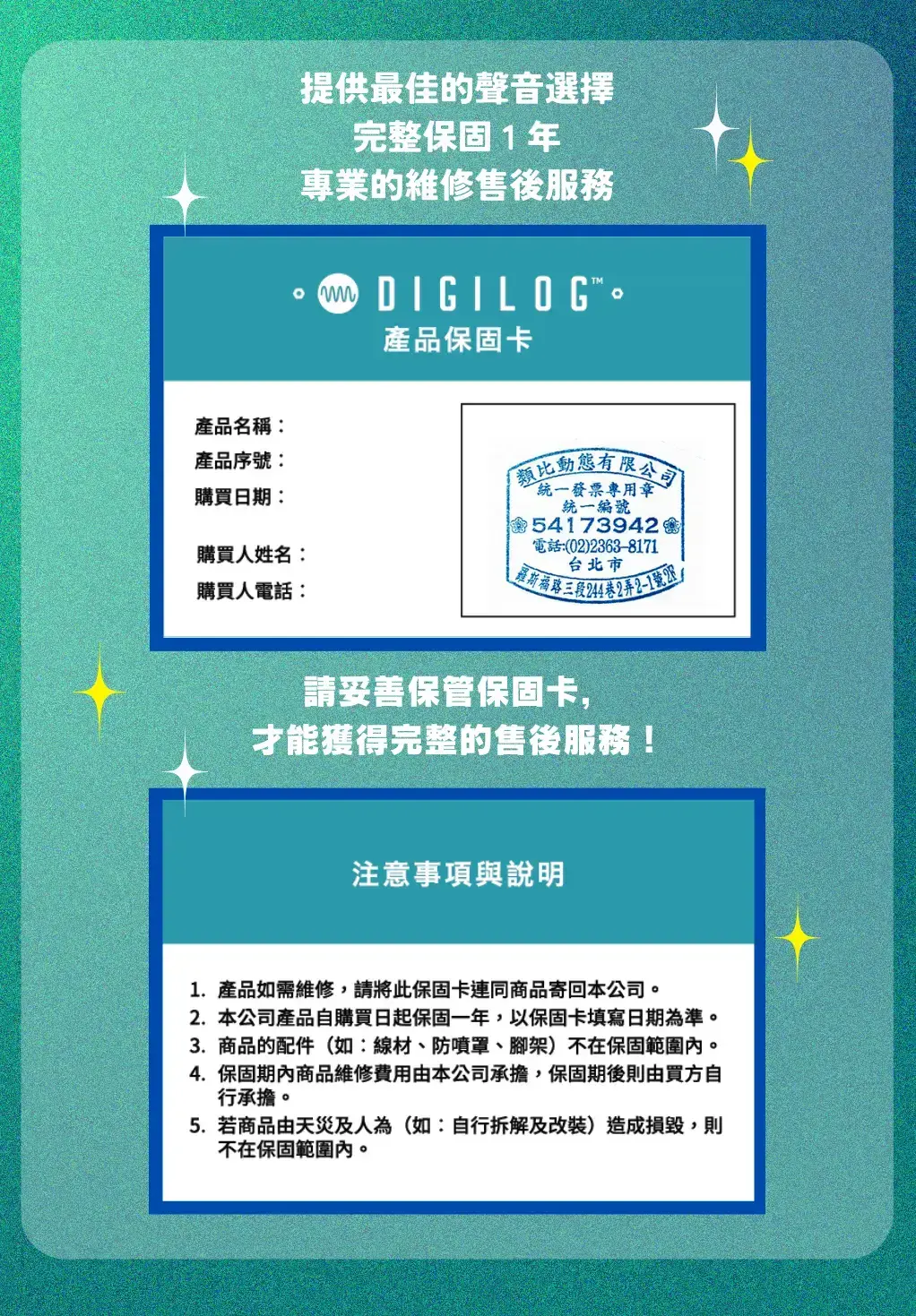
****購買前請詳閱****
此商品為序號下載版,非盒裝版本!
下單之後 1-2 天會將序號以 Email 寄出
以序號授權(Plugivery 的授權系統):不需要 iLok,也不需要任何硬體鎖。一組序號最多可以啟用 3 台電腦,換電腦時在 Preferences › Licenses 按 Deauthorize 就能把名額釋放出來(解除安裝不會自動釋放名額)。
啟用時電腦必須連上網路;啟用之後仍會定期連線更新授權狀態,連續數週到數個月都沒有連線會先跳出警告,過期後會退回 Demo 模式,直到再次連上網路為止。長期完全不連網的電腦不適合使用。
安裝程式到原廠外掛網站(plugins.bbesound.com)的產品頁下載。開啟後選「Authorize」貼上序號即可。一組序號啟用 Stomp Board 與 8 顆踏板。
提供 VST/VST3/Audio Unit/AAX(皆為 64 位元)與獨立執行版;獨立執行版需要音訊介面把樂器訊號送進電腦。
踏板與舊的 Stomp Ware 系列的專案相容,但 RTAS 格式已不再提供。
軟體序號一經使用,恕無法退貨退款,購買前請三思
若有任何問題可來信
主程式
- Gate:專為吉他調校的 Noise Gate,以 LED 顯示開關狀態
- Amp Select:4 種音箱/箱體模擬,從 Clean 到 Crunch
- Tone:Tilt 式的整體音色控制,往左變暗、往右變亮
- Reverb:內建 Spring Reverb
- Input/Output 旋鈕與電平表,方便做 Gain Staging
- 踏板鏈:位置在 Gate 之後、音箱模擬之前;可載入的踏板數量不限(視 CPU 而定),拖曳即可換位置
8 顆效果踏板
- Free Fuzz:Fuzz。原廠說明參考的是 1960 年代晚期因 Jimi Hendrix 等人而出名、稀有的矽電晶體 Fuzz 踏板;Volume、Fuzz 兩個旋鈕
- Green Screamer:復古 Overdrive,做出類似老真空管音箱的滑順、溫暖破音;Level、Tone、Gain
- Mind Bender:雙模式 Vibrato/Chorus,BBD(Bucket Brigade Delay)電路的溫暖調變,也能做出旋轉喇叭的效果;Speed、Depth,可同步 DAW 速度
- Opto Stomp:透明的光學式 Compressor,Soft-knee 壓縮;Threshold、Output
- Sonic Stomp:BBE Sonic Maximizer 的踏板版,原廠說明效果與機架式的 482i Sonic Maximizer 相同,增加清晰度、解析度與力道;Lo Contour、Process
- Soul Vibe:復古 Vibe/旋轉喇叭模擬,帶 Phaser 感的質地;Speed、Intensity,可同步 DAW 速度
- Tremor:雙模式 Tremolo/Auto-Pan,光學式電路的脈動感;Mono 是 Tremolo、Stereo 是 Auto-Pan,可同步 DAW 速度
- Two Timer:類比風格 Delay,原廠說明靈感來自已停產的 DM-2 Delay;有兩組延遲時間,Mono 模式用 Time 1,Stereo 模式左右聲道各用 Time 1 與 Time 2;Repeat、Mix,可同步 DAW 速度
共通功能
- 介面可縮放(75%~200%),支援 Retina/HiDPI 螢幕
- 每款都附 Factory Presets,自己調的設定也能存成 User Preset
- 操作:Shift+拖曳微調、Alt+點擊回到預設值、雙擊直接輸入數值;滑鼠停在旋鈕上會顯示說明
- 電源開關是平順的 Soft Bypass:切換不會有爆音、可以寫 Automation
- 獨立執行版可以設定音訊輸入/輸出裝置、取樣率、Buffer 大小與 BPM
試用
安裝後還沒輸入序號時就是 Demo 模式,沒有時間限制,限制是不能存 Preset、DAW 專案重開後不會記住設定、Automation 與外部控制無效。不確定電腦或 DAW 合不合用的話,建議先裝起來試過再下單。
系統需求與支援版本
- 格式:VST/VST3/Audio Unit/AAX Native(皆為 64 位元),另有 Mac/Windows 獨立執行版
- macOS:11.0 以上,Apple Silicon 原生或 Intel 64 位元(Universal Binary 2);原廠 2025 年 10 月的更新起正式支援 macOS Tahoe
- Windows:Windows 10 以上(64 位元),Intel/AMD 64 位元處理器
- 宿主軟體:支援 64 位元 AU/VST/VST3 的 DAW,或 Pro Tools 11 以上(AAX);也可以不透過 DAW 直接用獨立執行版
- 延遲(Latency):主程式無延遲,開啟音箱模擬時 16 samples;Oversampling 最多再加 5 samples
- 取樣率:44.1 kHz~384 kHz
- 授權方式:序號,不需 iLok 或硬體鎖;一組序號可啟用 3 台電腦,可在軟體內自行解除啟用
- 啟用需要網路連線,啟用後也要定期連線更新授權(防火牆需放行 api.plugivery.com);太久沒連線會退回 Demo 模式
- 部分舊序號在啟用最新版時,軟體會引導做一次免費的序號升級,過程需要註冊 PV Connect 帳號
商品規格
- 授權類型
- 序號下載版(永久授權)
- 產品類型
- 吉他效果踏板+音箱模擬 Plugin/獨立執行軟體
- 收錄內容
- Stomp Board 主程式(Gate、4 種音箱模擬、Tone、Spring Reverb)+8 顆效果踏板
- 格式
- VST/VST3/Audio Unit/AAX Native(64 位元)+獨立執行版
- 支援平台
- macOS 11.0 以上(Apple Silicon 原生/Intel)/Windows 10 以上(64 位元)
- 取樣率
- 44.1 kHz~384 kHz
- 授權方式
- 序號,不需 iLok;啟用與定期更新授權需要網路
- 啟用數量
- 3 台電腦
- 獨立執行版
- 有(Mac/Windows)
Reviews:
Purchase FAQ
Q1. How is shipping calculated? Is there free shipping?
Orders over NT$3,000 qualify for free shipping. Orders under NT$3,000 incur a NT$120 shipping fee. In-store pickup is always free.
Q2. What payment methods are available?
We accept: credit card (single payment, or 3/6-month installments), bank transfer, convenience store payment code, cash on delivery, in-store payment, and AFTEE deferred payment. Installments are currently available only for credit cards issued by CTBC Bank, E.SUN Bank, and Taishin Bank. Cash on delivery is not available for software products or orders over NT$10,000.
E-invoices are issued for all purchases and sent automatically to your registered email. Once a personal (duplicate) invoice is issued, it cannot be changed or reissued as a company (triplicate) invoice.
Q3. How does in-store pickup work?
Select "In-store pickup" (free) at checkout. We will notify you by email once your items are ready. Please bring your order information to the store.
Store address: 2F., No. 2-1, Aly. 2, Ln. 244, Sec. 3, Roosevelt Rd., Zhongzheng Dist., Taipei City. Opening hours: Monday to Saturday 11:00 – 18:30 (closed on Sundays).
Q4. What is the inspection period?
According to the Consumer Protection Act, online purchases come with a 7-day inspection period starting from the delivery date. Please note that the "inspection period is not a trial period." The purpose is for you to inspect and review the product, not to use it. If you are unsatisfied after inspection, please do not open or use the product and follow the return procedures immediately. Returned products must be in complete packaging with all accessories, gifts, and original packaging intact. Any missing, damaged, or incomplete items may affect your return rights and restoration costs may be deducted.
Q5. How do I process a return or exchange?
If you wish to return a product, please ensure it is in complete, new condition with the original packaging undamaged. This includes the product itself, accessories, warranty card, original packaging, and all accompanying documents. If the product is damaged due to reasons attributable to you, we may not be able to process the return, or repair costs may be deducted from the refund. However, products with manufacturing defects are exempt and qualify for unconditional return or exchange.
Please contact us by phone or email within the inspection period, providing the reason for the return/exchange, current product condition, phone number, and pickup address. We will arrange the return within 3-5 business days.
Q6. How will I receive my refund, and how long does it take?
Refund methods and timelines vary by payment method:
Credit Card: After we receive the returned product, the refund will be credited to your credit card account within approximately 5-7 business days. Depending on your billing cycle, the refund may appear on your current or next statement. Please confirm with your credit card issuing bank.
Bank Transfer: Please contact service [at] digilog.tw with your complete bank details (bank name, branch name, bank code, account holder name, account number). We will arrange courier pickup of the returned product and transfer the refund to your designated account within 5-7 business days.
Q7. Is there a warranty on products?
Products come with a 1-year warranty. For repairs during the warranty period, please contact service [at] digilog.tw or call +886-2-23638171.
Q8. Do I need to pay for shipping when sending products for repair?
Round-trip shipping costs for product repairs are the customer's responsibility.
BBE Sound Others:
NEW
-86%

NEW
-86%
You may be interested in:
-50%
-63%

-55%
-49%

-4%

目前尚無評論