NT$ 14,900
Home » DJ Equipment » Turntable » Pioneer PLX-500 黑膠唱盤
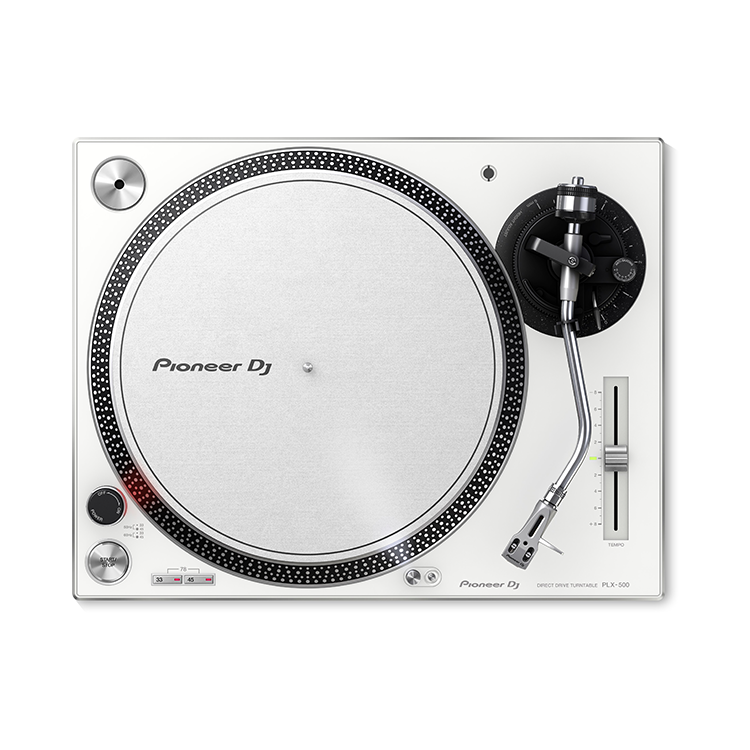
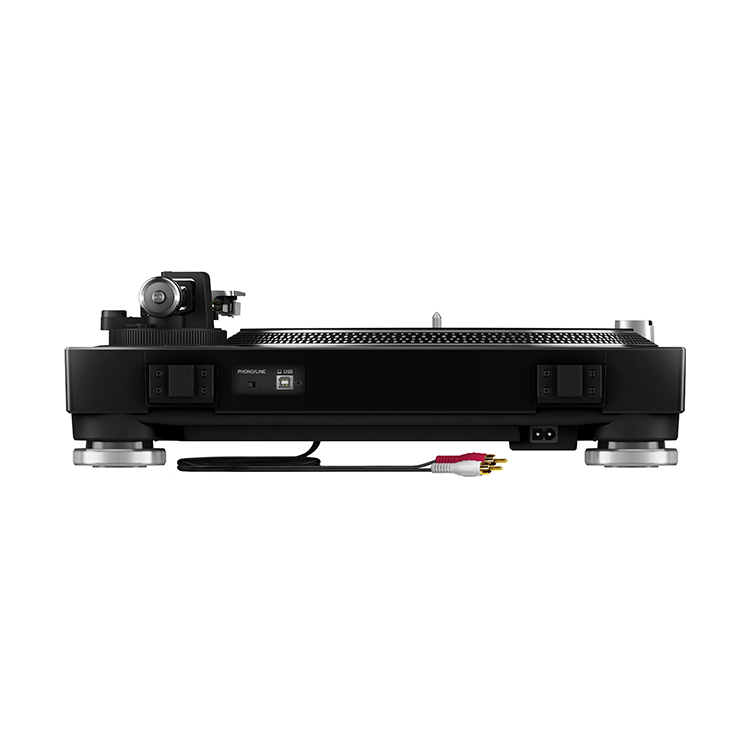
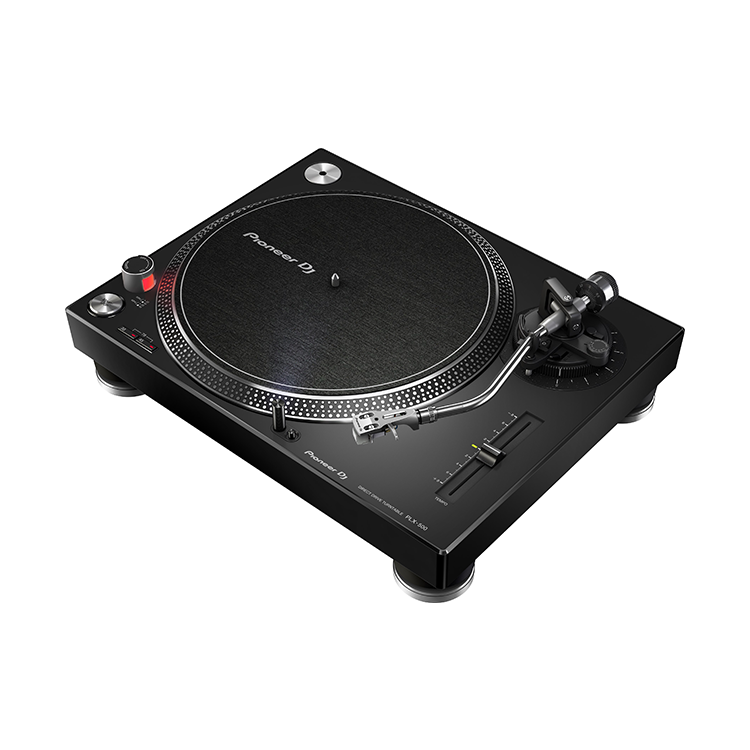
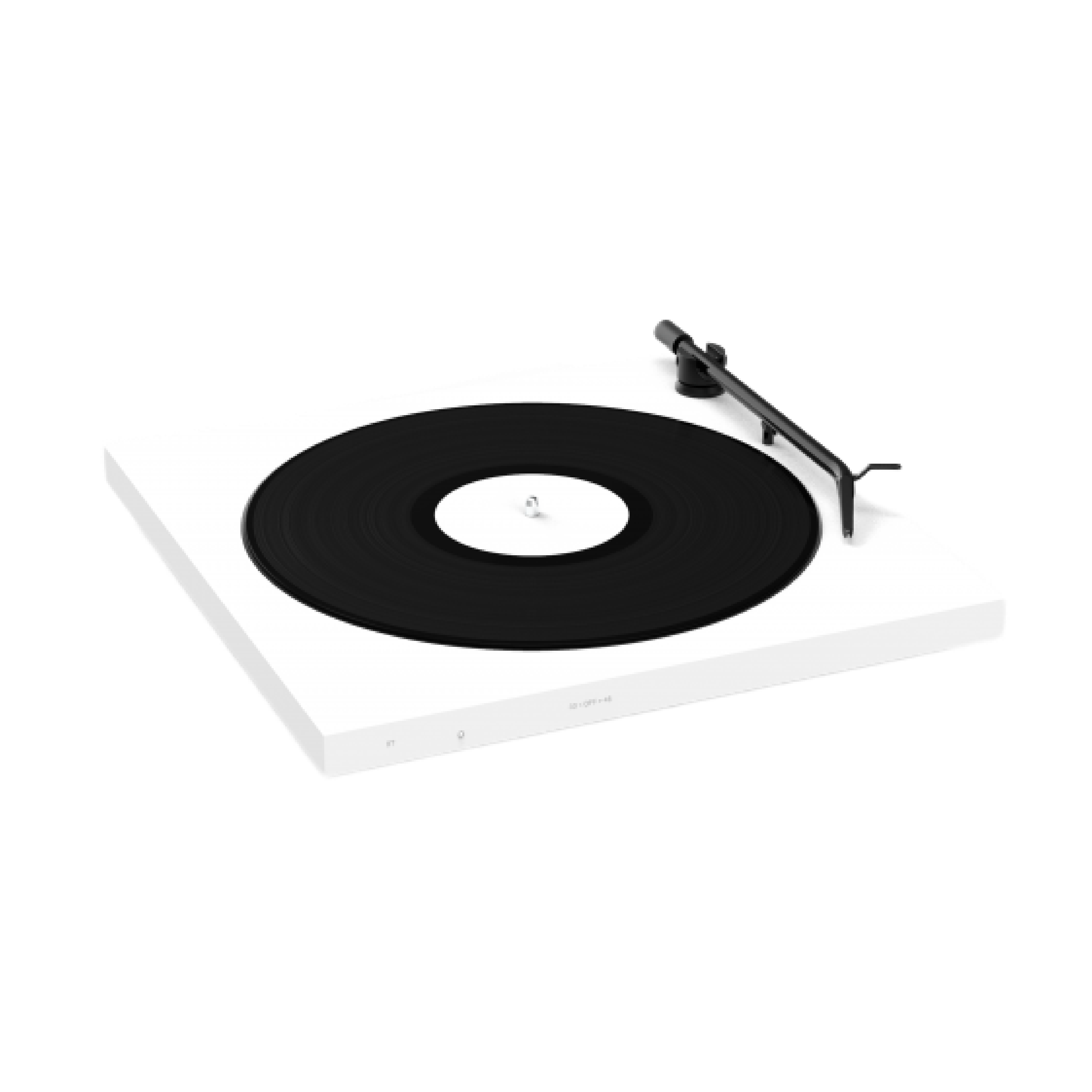
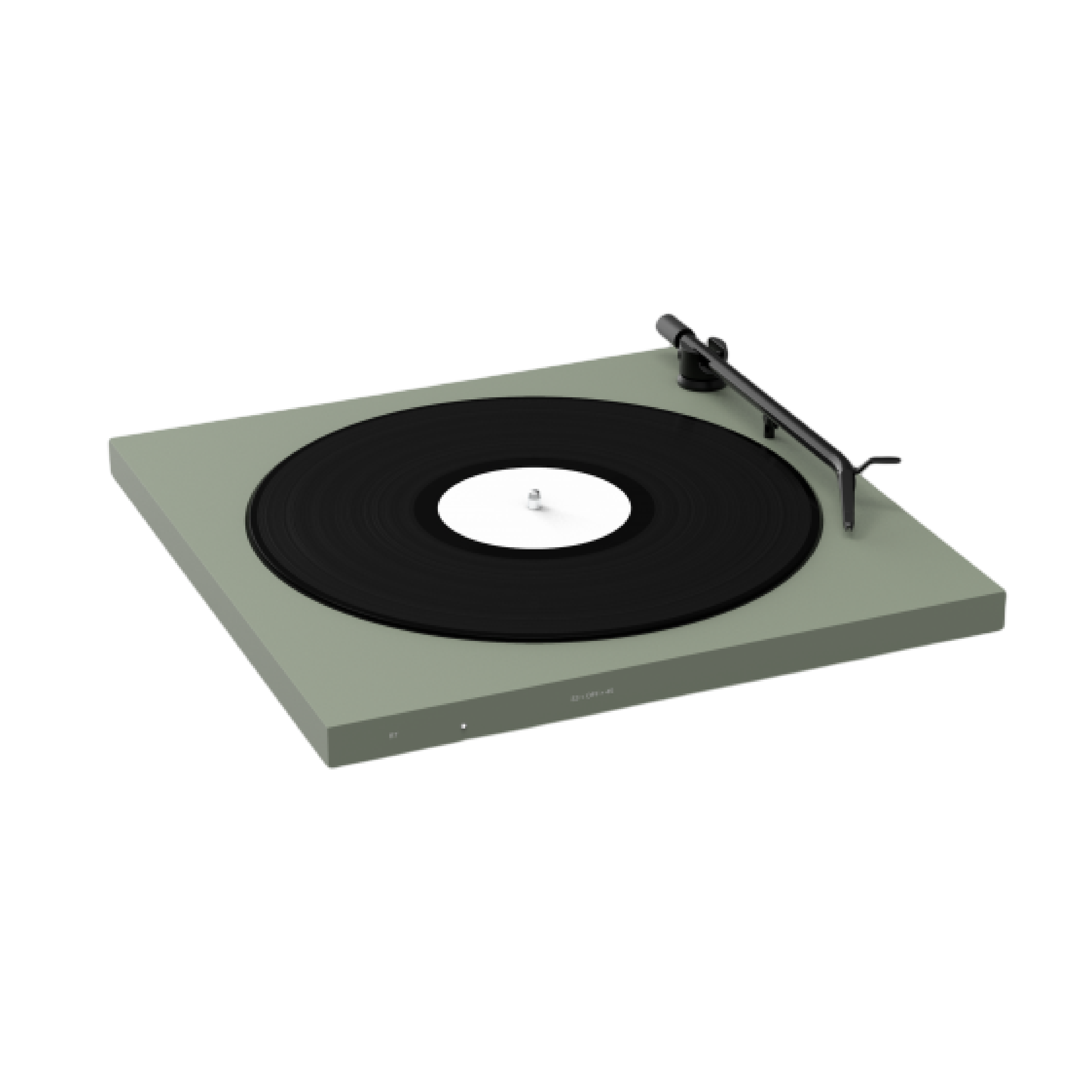
PLX-500 承接了旗艦級專業唱盤 PLX-1000 的技術和設計,以及一貫溫暖、清晰的類比聲響。PLX-500 除了為最適合做刮碟的高轉矩設計外,一應俱全的附上了唱針、唱頭以及唱片墊,並且還提供了一個USB輸出可以讓您的私家黑膠唱片收藏透過 rekordbox 轉換成數位音檔。PLX-500 搭配 DJM 系列混音器以及 RB-VS1-K 訊號片,可以使用 rekordbox dvs Plus Pack 功能來播放、刮碟數位音檔。
除此之外配色還提供了黑 (PLX-500-K)、白 (PLX-500-W) 雙色版本,讓您做整體器材搭配選擇。PLX-500-K 以及 PLX-500-W
PLX-500 的主要功能
- 傳遞高品質的黑膠類比聲響
PLX-500 傳承自 PLX-1000 旗艦專業唱盤的設計功能,傳遞出您所渴望的黑膠類比溫暖聲響。獨特的短距唱臂設計降低失真,並且可以透過 RCA 直接連接上您的播放系統或主動式喇叭做輸出。
- 方便的數位錄音功能
透過內建的 USB 輸出埠將 PLX-500 連接上電腦,可以輕鬆將您的黑膠珍藏轉換成高品質的數位 WAV 檔。透過免費的 rekordbox 軟體除了可以將黑膠唱片數位音檔化之外,亦可以透過 rekordbox dvs 付費選配功能使用 PLX-500 來控制數位音檔。rekordbox 的聲音分析科技可以偵測到歌曲間的空白部分,並且分割音檔,所以您只要輕鬆按下播放鍵,即可將您整張的類比專輯錄製成一首首獨立的數位曲目,中間過程毋需做設定調整。在完成整張錄音後,您可以重新命名曲目或進行標籤(tag)整理。
錄製的過程如下:
- 透過 USB 線連接 PLX-500 和電腦。
- 打開 rekordbox 應用程式 (version 4.2.1)。
- 點擊軟體的錄音鍵(record button),進入錄音準備狀態。
- 按下 PLX-500 的播放鍵。當音樂開始時 rekordbox 即會進行錄音,並且直到歌曲結束。假如您已經錄製了許多歌曲,它會自動分隔成不同的檔案。
- 錄音完成後,按下停止鍵。 rekordbox 將會跳出視窗供您輸入曲目資訊(比方像是歌名或是藝人等資訊),之後這些歌曲將會收入您的 rekordbox 曲目庫,您可以鍵入相關的曲目資訊搜尋到這些歌曲。
- DJ演出專用的高轉矩直驅式唱盤設計,以及 rekordbox dvs功能
PLX-500 的高轉矩直驅式乃是專為 DJ 刮碟、混音所設計,並且可以搭配 DJM 系列混音器以及 RB-VS1-K 訊號片(需另外購買),可以使用 rekordbox dvs Plus Pack 功能來播放、刮碟數位音檔。
- 防塵蓋附加唱片架功能設計
這個貼心的支架設計可以讓您在打開防塵蓋,一方面聆聽享受黑膠唱片,一方面又可以欣賞美麗的唱片封面。
- 傳承自旗艦級專業唱盤 PLX-1000 的外觀設計
PLX-500 承襲了 PLX-1000 高質感的髮絲紋機身設計,並且提供黑 (PLX-500-K)、白 (PLX-500-W) 雙色版本,可以讓您挑選最合適的設備搭配感。
PLX-500 裡頭所搭配的銀色唱頭 PC-HS01-S,將另外於 2016 年 12 月上市,並且總共會發售三種配色:PC-HS01-K (黑色)、 PC-HS01-S (銀色) ,以及 PC-HS01-N (金色) 。
PLX-500 規格
供電需求 :AC 100 V, 50 Hz/60 Hz
功率消耗 :11 W
主要單位重量 :10.7 kg
最大外部尺寸 (寬x高x長) :450 mm x 159 mm x 368 mm
輸出埠 :RCA × 1, USB (type B)
唱盤
驅動方式 :Servo type direct drive
馬達 :3-phase brushless DC motor
制動系統 :Electronic brake
轉速 :33 1/3 rpm, 45 rpm, 78 rpm
轉速調節範圍 :±8%
Wow and flutter :0.15% or less WRMS
信噪比 :50 dB or above
Turntable :鋁壓鑄直徑: 332 mm
啟動轉矩 :1.6 kgf・cm或更高
啟動時間 :一秒內 (在33 1/3 rpm)
唱臂
型態 :通用型 S-型唱臂、 萬向支持型軸承、靜平衡型
有效長度 :230.5 mm
懸垂 :16 mm
誤差 :3°以內
唱臂高度調節範圍 : 6 mm
針壓變動範圍 : 0 g 到 4.0 g(1 scale 0.1 g)
最適當唱頭組重量 : 9.5 g 或更輕 (single cartridge)
Cartridge
Cartridge type : VM type
配件
防滑墊、防塵蓋附加唱片架、 Adapter for EP record、重量平衡法碼、唱頭?Headshell (withcartridge)、 Shell weigh、電源線、 USB線、音頻轉換線(立體聲母頭 – 立體聲公頭)、說明書
唱頭規格
重量 :10.0 g
Shell 長度 :52 mm
Finger 長度 :21 mm


Reviews:
Purchase FAQ
Q1. What is the inspection period?
According to the Consumer Protection Act, online purchases come with a 7-day inspection period starting from the delivery date. Please note that the "inspection period is not a trial period." The purpose is for you to inspect and review the product, not to use it. If you are unsatisfied after inspection, please do not open or use the product and follow the return procedures immediately. Returned products must be in complete packaging with all accessories, gifts, and original packaging intact. Any missing, damaged, or incomplete items may affect your return rights and restoration costs may be deducted.
Q2. How do I process a return or exchange?
If you wish to return a product, please ensure it is in complete, new condition with the original packaging undamaged. This includes the product itself, accessories, warranty card, original packaging, and all accompanying documents. If the product is damaged due to reasons attributable to you, we may not be able to process the return, or repair costs may be deducted from the refund. However, products with manufacturing defects are exempt and qualify for unconditional return or exchange.
Please contact us by phone or email within the inspection period, providing the reason for the return/exchange, current product condition, phone number, and pickup address. We will arrange the return within 3-5 business days.
Q3. How will I receive my refund, and how long does it take?
Refund methods and timelines vary by payment method:
Credit Card: After we receive the returned product, the refund will be credited to your credit card account within approximately 5-7 business days. Depending on your billing cycle, the refund may appear on your current or next statement. Please confirm with your credit card issuing bank.
Bank Transfer: Please contact service [at] digilog.tw with your complete bank details (bank name, branch name, bank code, account holder name, account number). We will arrange courier pickup of the returned product and transfer the refund to your designated account within 5-7 business days.
Q4. Do I need to pay for shipping when sending products for repair?
Round-trip shipping costs for product repairs are the customer's responsibility.

You may be interested in:
-10%
-6%


 What's New
 Brands
 Rental
目前尚無評論